Discovery & Location Filtering
Using Filters & Search
How do I find a meeting room “near me” without wasting time searching?
Use location filters (area names, landmarks, metro stations), capacity filters, and amenity tags (projector, Wi-Fi, parking).
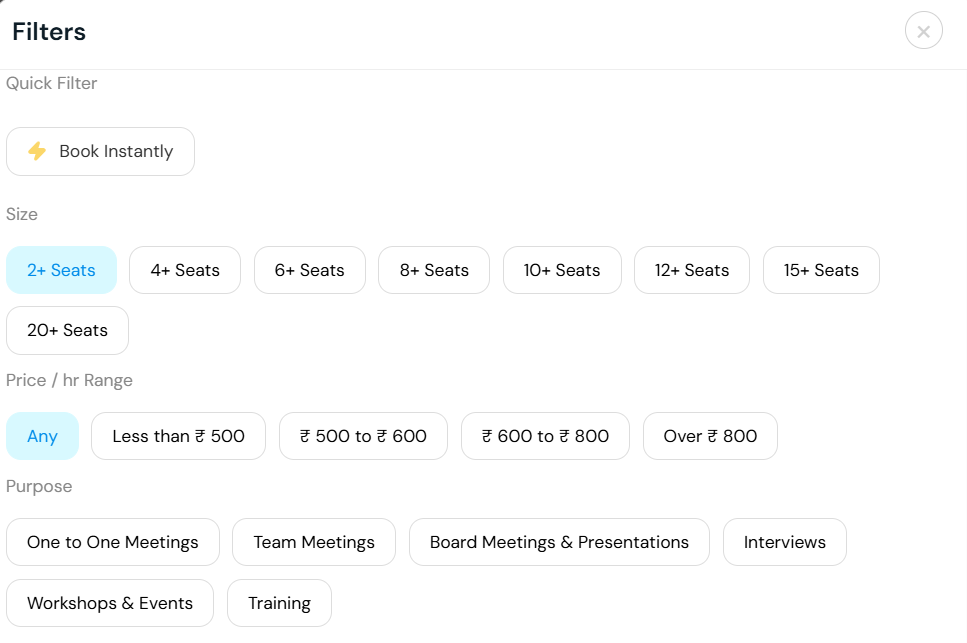
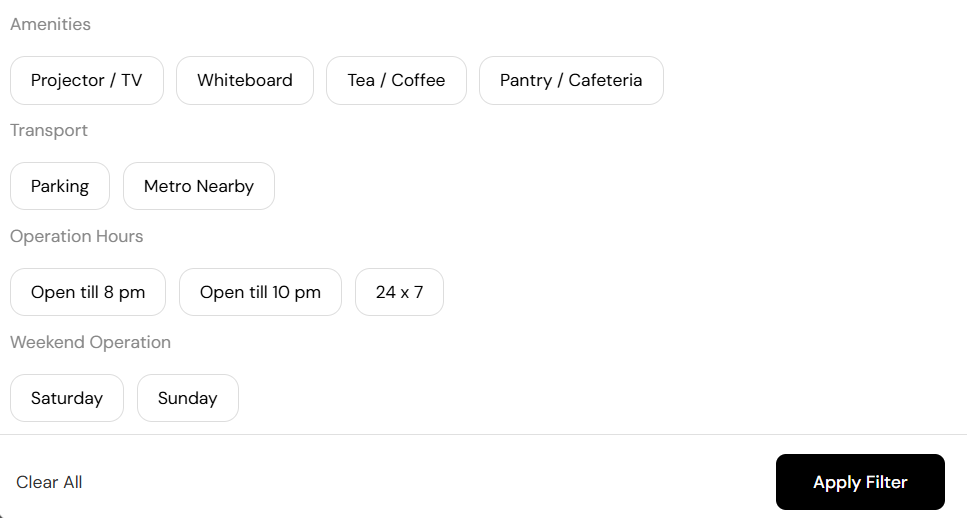
You can also use additional filters such as low price, popular or sort based on customer rating. The right sidebar also gives the map view which will let you decide faster.
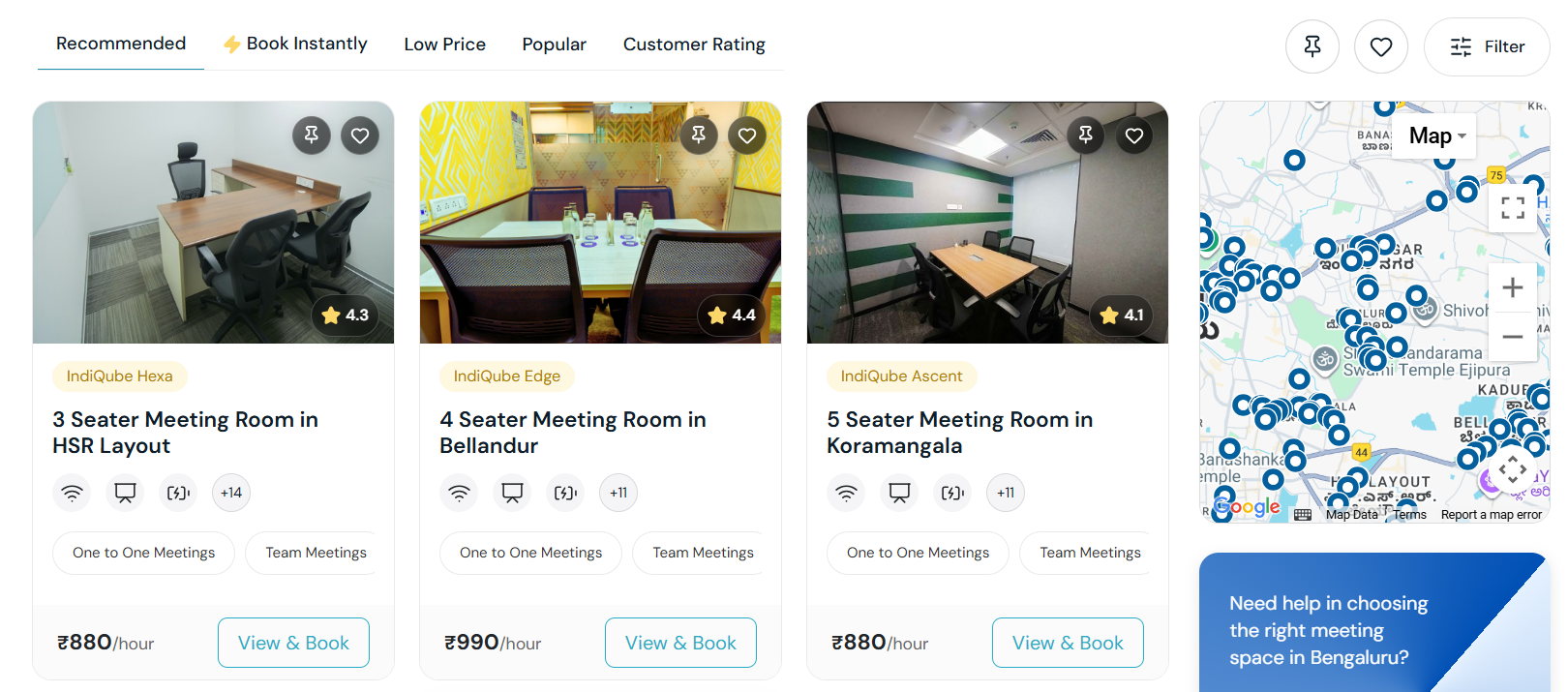
Can I find rooms near public transport/metro, and how do I verify accessibility?
Filter by “near metro” and select among the listed options. As soon as you filter, you can also use the map view on the right sidebar to make a better decision.
How do I balance central locations vs. suburban convenience for my meeting?
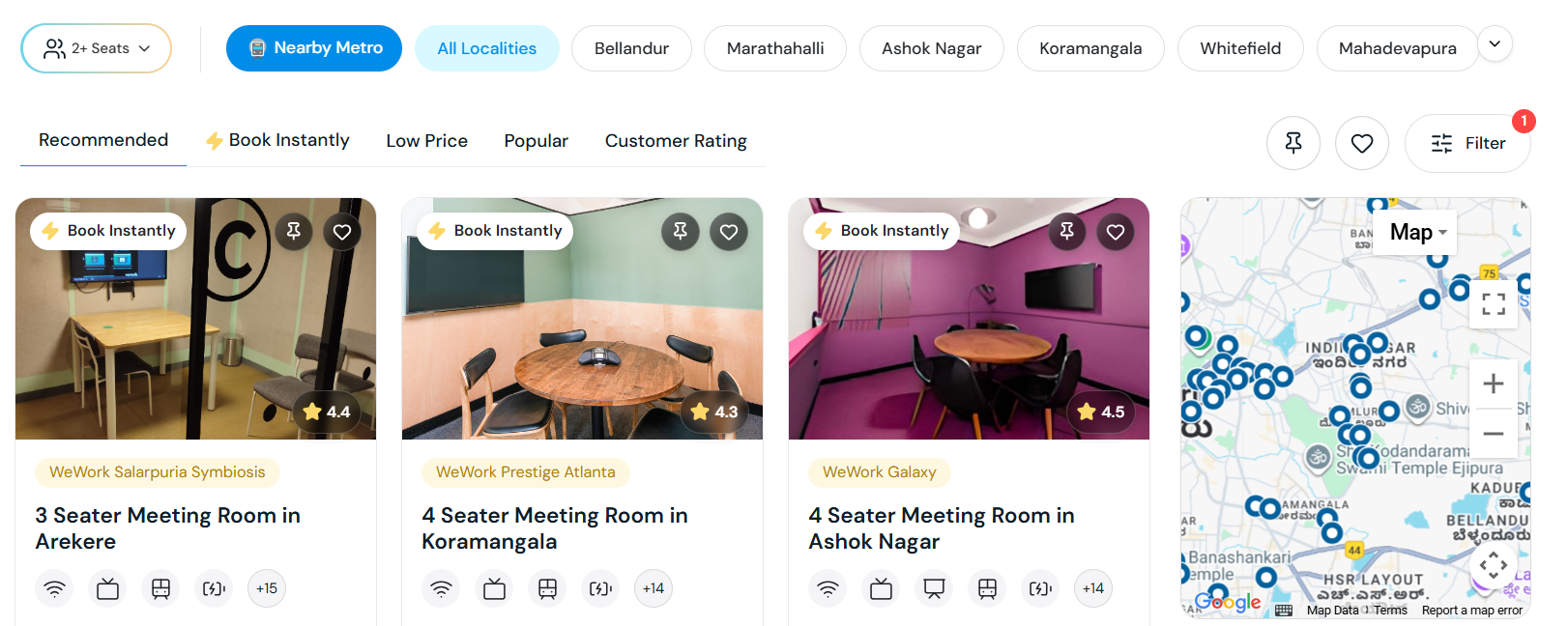
Map your attendee clusters and choose a midpoint near transit. Central venues impress clients; suburban options reduce commute. Survey invitees before locking your booking.
If you find it difficult to arrive at a common place, you can instantly avail our support team’s engagement to give you possible options. Owing to the expertise in guiding larger teams such as Bira91, TLG India Pvt Ltd with ideal locations, there’s huge possibility to map the best for your team.
Are GoFloaters meeting rooms available in multiple cities, on weekends, and public holidays?
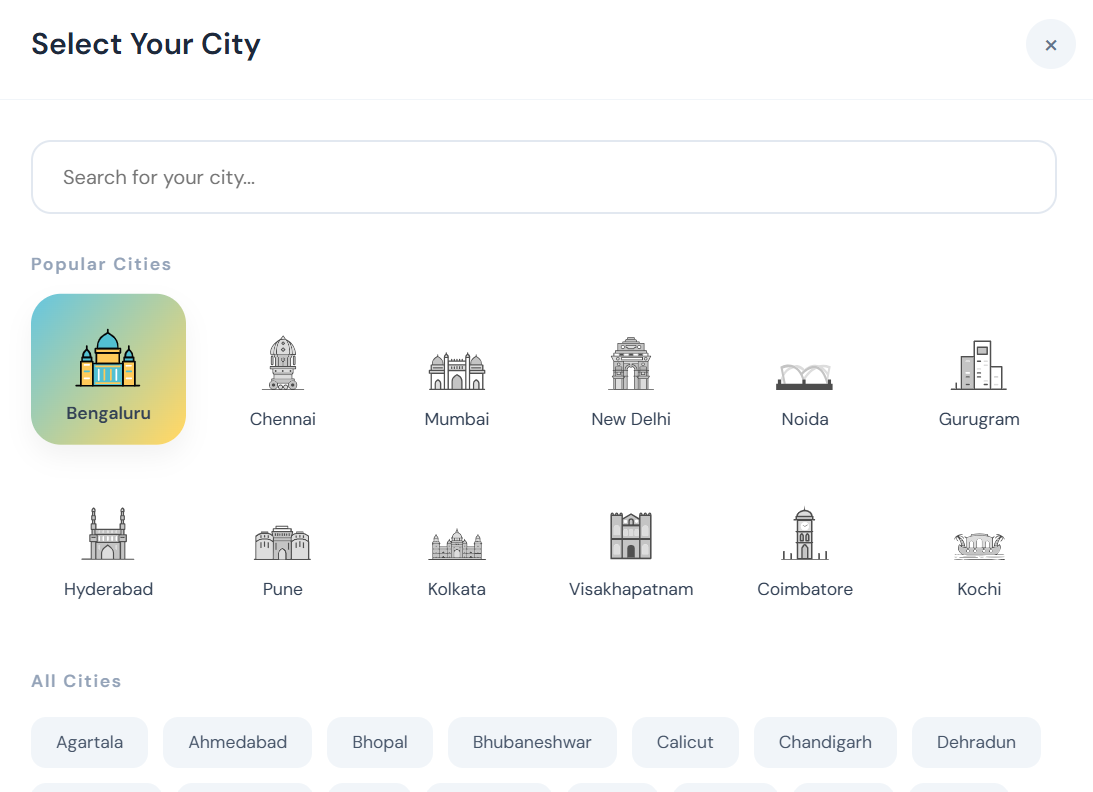
Yes, we operate across 40+ Indian cities (Bengaluru, Chennai, Mumbai, Hyderabad, Delhi NCR, etc.). Many conference rooms are open weekends and holidays—specific hours are shown per listing.
Here’s a glimpse of cities where you can find spaces on GoFloaters.
Virtual Tours & Verification
Can I see photos before booking? Yes, all GoFloaters listings include photos and option to review ratings and feedback from customers. You can also review shared photos of users to make a balanced decision. Use these to visualize the space, layout, and amenities before confirming your booking.